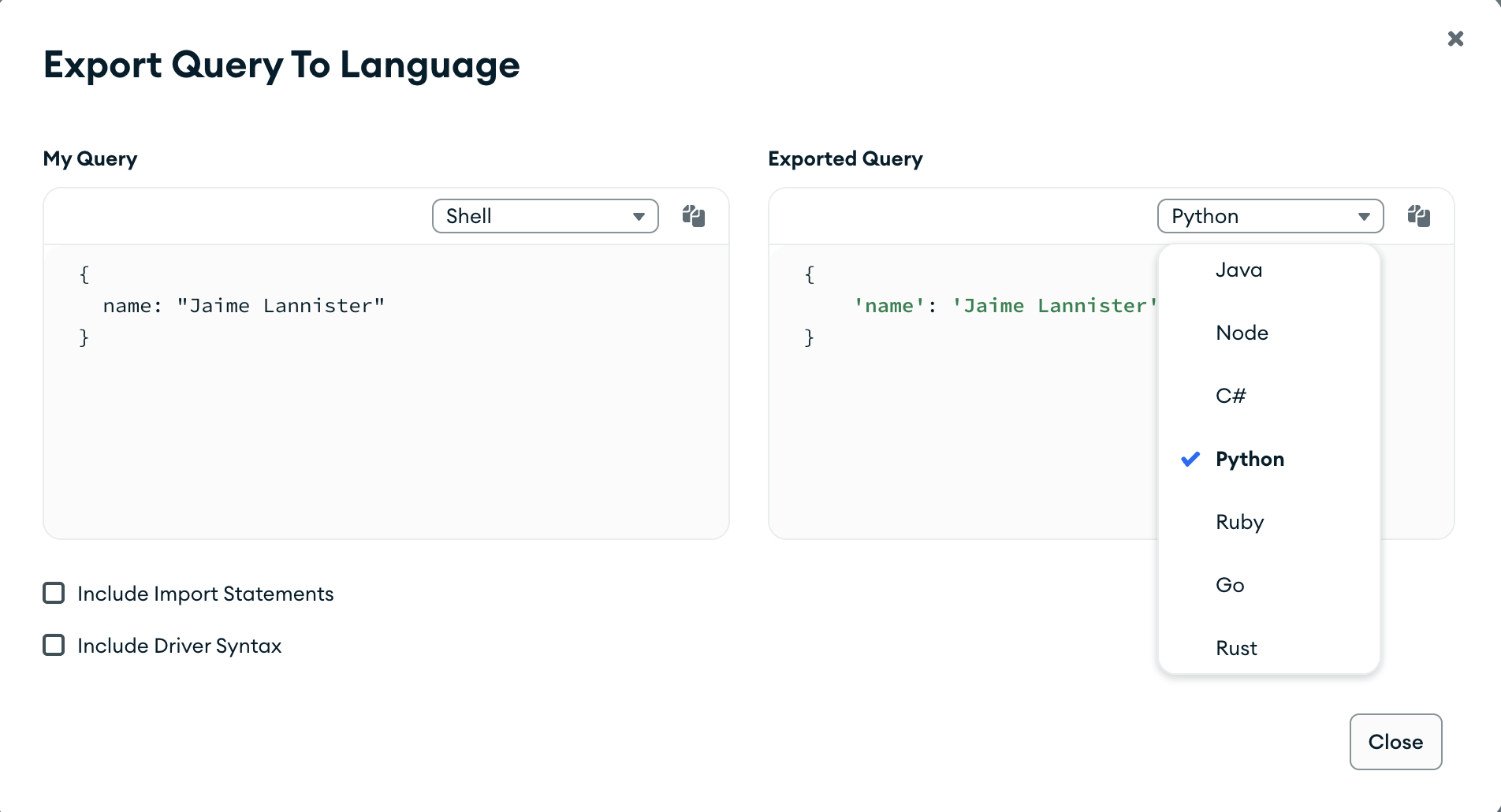
You can export queries created in the query bar to one of the supported languages; Java, Node, C#, Python 3, Ruby, Go, Rust, and PHP. This feature allows you to reformat and use Atlas queries in your application.
Procedure
In Atlas, go to the Data Explorer page for your project.
If it's not already displayed, select the organization that contains your project from the Organizations menu in the navigation bar.
If it's not already displayed, select your project from the Projects menu in the navigation bar.
In the sidebar, click Data Explorer under the Database heading.
The Data Explorer displays.
IMPORTANT: You can also click the name of a cluster to open the Cluster sidebar, and then click Data Explorer under the Shortcuts heading.
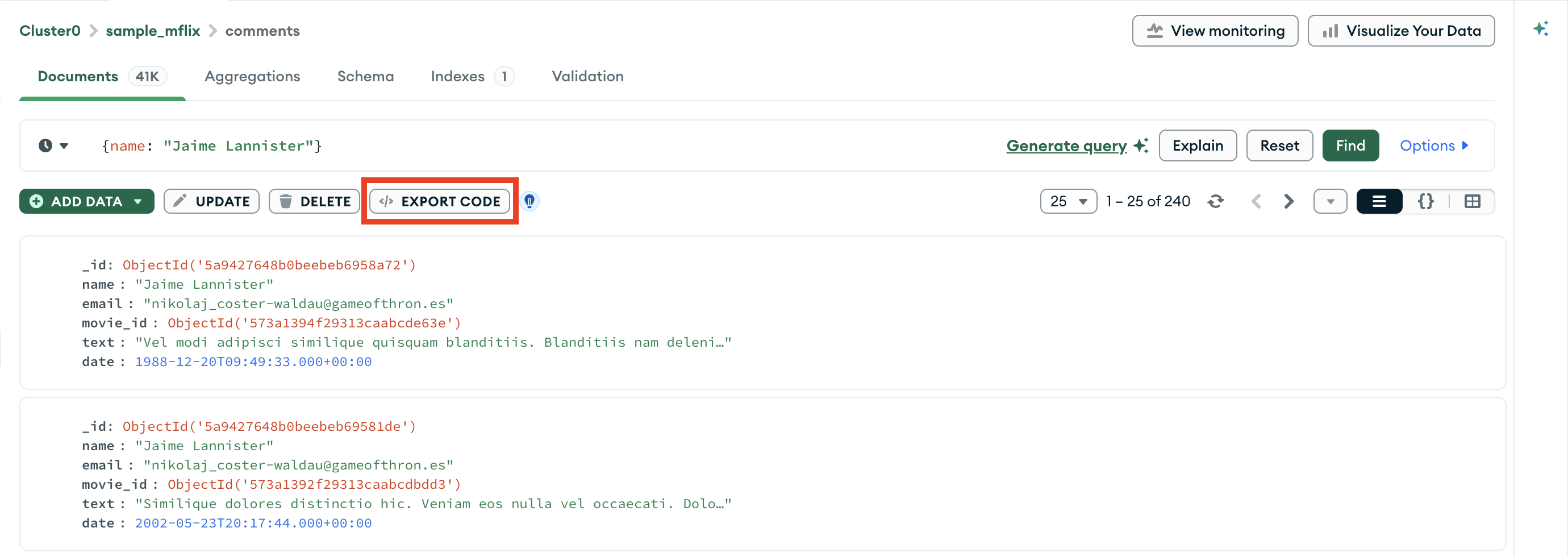
Select your export language.
On the right side of the card, click the drop-down menu under Exported Query and select your desired programming language.
The My Query pane on the left of the export card displays your
pipeline in mongosh syntax. The Exported Query pane
to the right displays your pipeline in the selected programming language.